What NextUp Walk-in does
What is NextUp Walk-in? NextUp Walk-in is a walk-in waitlist and queue app for barbershops, salons, and other service businesses. It replaces the paper sign-in sheet and the crowded waiting room with a live digital line. 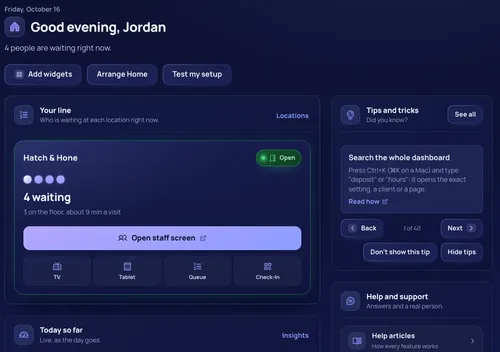
NextUp Walk-in is a walk-in waitlist and queue app for barbershops, salons, and other service businesses. It replaces the paper sign-in sheet and the crowded waiting room with a live digital line.
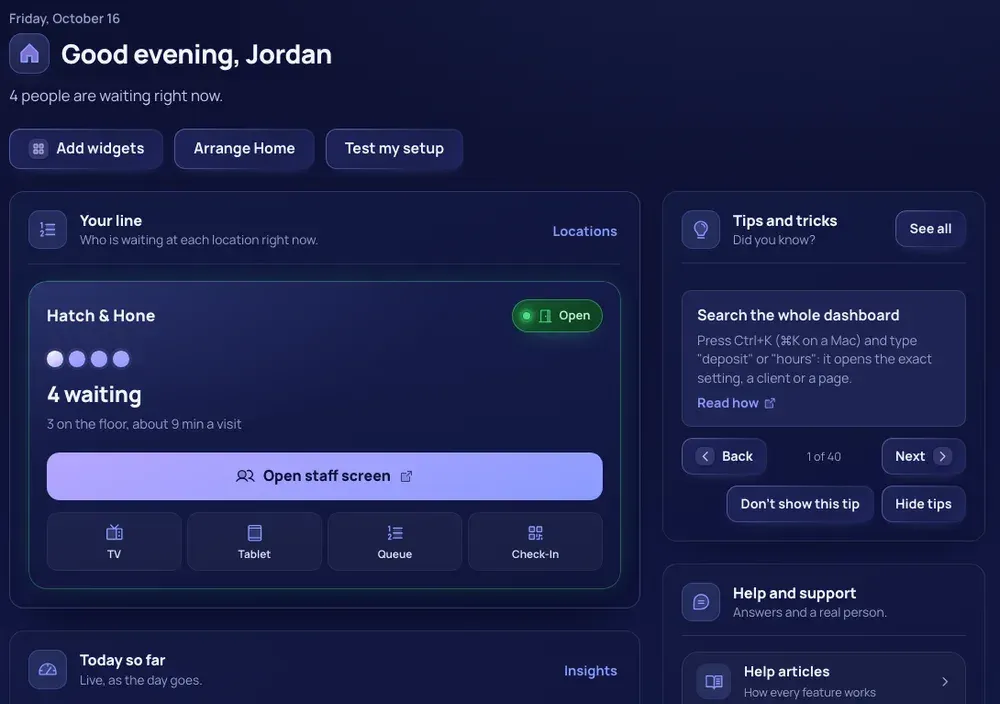
- Customers join the line (also called the queue or waitlist) from their own phone by scanning a QR code or opening your link. No app download and no account are needed.
- They see their place in line and an estimated wait, and they can wait anywhere: in the car, at a coffee shop, or outside.
- Your team (staff, stylists, groomers, technicians, barbers) runs the line from the Staff Screen.
- A TV in the waiting area shows who is up next. A Door Tablet lets walk-ins sign in at the entrance.
More detail
Beyond the walk-in line, NextUp Walk-in also offers appointment booking beside the line (a calendar with day, week and list views, drag to reschedule, repeating, group and event bookings, each person's hours and blocked time, reminders 24 hours and 1 hour before, and deposits against no-shows), checkout for a visit with tips and emailed receipts, products and stock, client profiles with client import, consent forms and waivers, a services catalog, customer ratings and Google review links, loyalty stamp cards, gift cards, memberships, prepaid packages, flash sales, email campaigns, commissions, team pay statements and booth rent, payroll exports, and Insights reports.
Plans in short
NextUp Walk-in has two paid plans for most businesses, plus a limited Free plan (1 location, 1 team member and 50 check-ins a month, with every app, including the TV display, but no Layout Map, AI features or website builder).
- Walk-in (29 dollars a month for the first location and 19 for each additional one) includes the line and every screen, the client list, messages, consent forms, products, checkout with every payment method, tips, team pay statements, ratings, Insights, the apps and the API.
- Pro (59 and 39 dollars) adds appointments and online booking, memberships, packages, gift cards, store credit, client referrals, loyalty stamp cards, commissions, payroll, the time clock, tip pools, booth rent, cash advances, email campaigns and flash sales.
- Restaurants have the Restaurant plan (69 and 44 dollars), which includes everything in Pro plus the floor plan and table features.
- The 14-day free trial includes every Pro feature; it needs a card to start, and nothing is charged until it ends.
The six screens in NextUp Walk-in NextUp Walk-in runs on six screens that all update live: Staff Screen, TV Display, Door Tablet, Check-in Page, Queue Status and Station Screen. 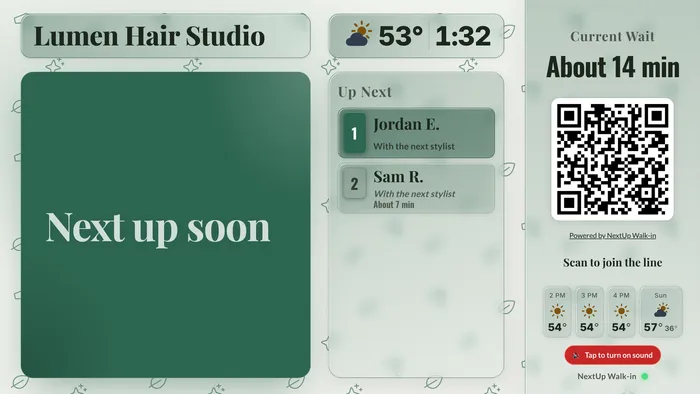
NextUp Walk-in runs on six screens that all update live: Staff Screen, TV Display, Door Tablet, Check-in Page, Queue Status and Station Screen.
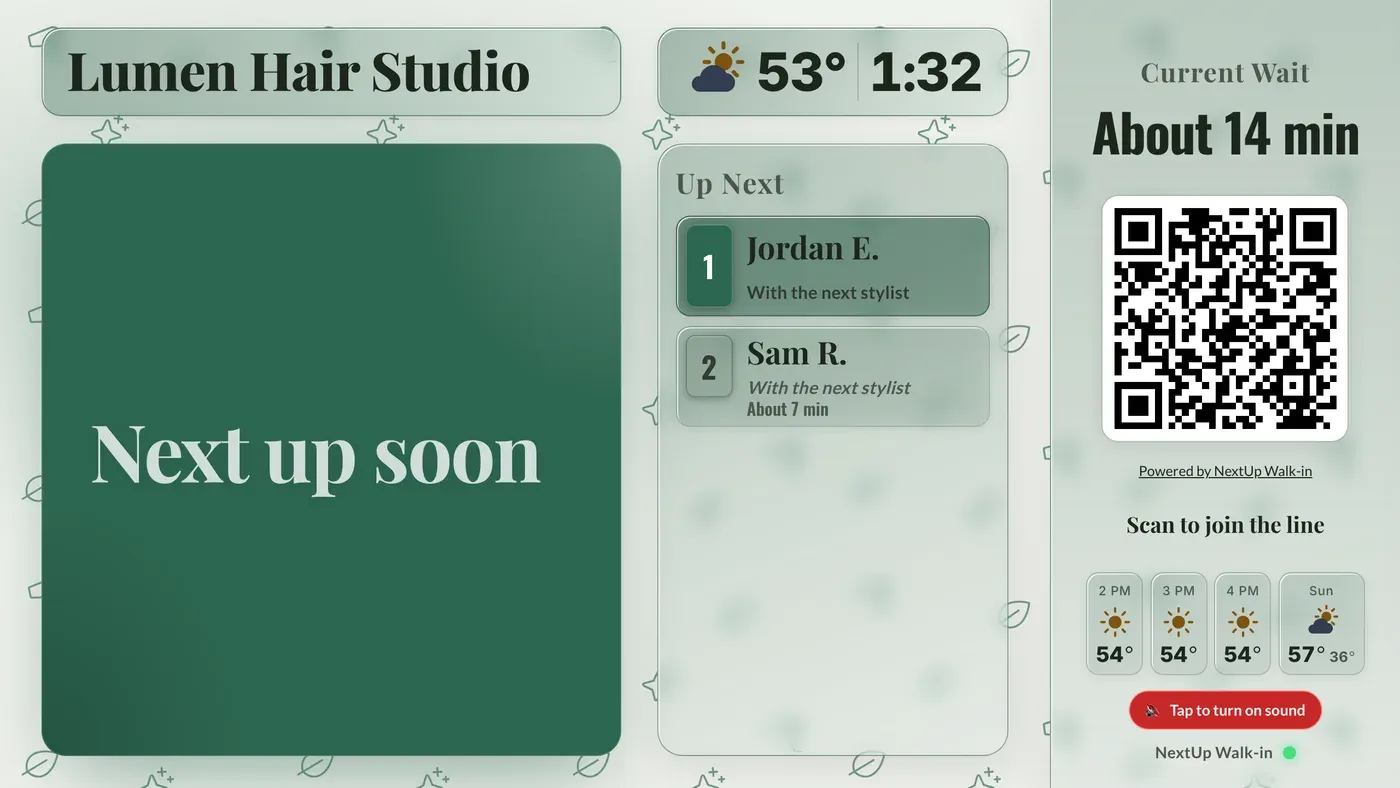
- Staff Screen: your team calls, seats, serves and manages the line from any tablet, phone or computer at the front desk. Staff log in with the location's staff PIN.
- TV Display: shows who's being served, who's up next, the estimated wait and a QR code walk-ins can scan. Put it on a TV in your waiting area.
- Door Tablet: walk-ins type their first and last name the moment they arrive. Place a tablet by your entrance.
- Check-in Page: the page customers open on their own phone to join. After joining, each customer gets their own live page with their position and estimated wait.
- Queue Status: a public link showing the current wait and line length that customers can check before they drive over and join from (share it on Instagram or your Google Business Profile).
- Station Screen: a private link per team member for a phone or tablet at their station that finishes the current client and calls the next (not for restaurants).
More detail
The dashboard is where owners and managers set all of this up, and see Insights, the client list and the rest of the business. Restaurants on the Restaurant plan also get a station view with a floor plan and live table status for the host stand. The Screens menu in the top bar opens each screen for each location.
Who is NextUp Walk-in for? NextUp Walk-in is built for small service businesses with a walk-in line, whether they take walk-ins only or walk-ins and appointments. 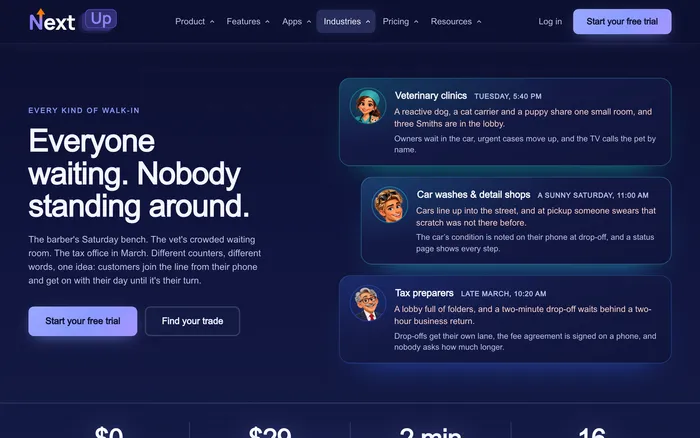
NextUp Walk-in is built for small service businesses with a walk-in line, whether they take walk-ins only or walk-ins and appointments.
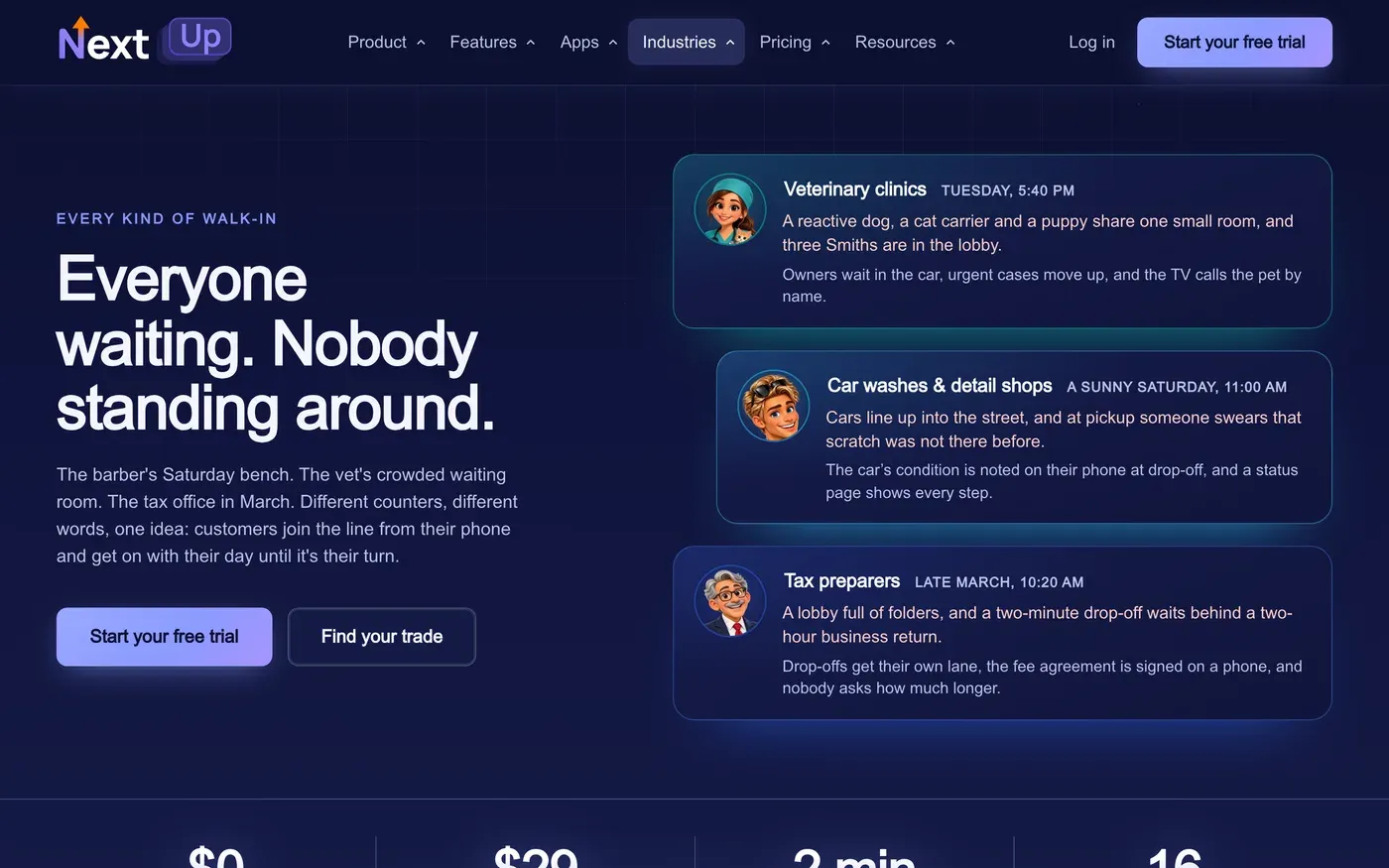
- 16 business types: barbershop, hair salon, nail salon, tattoo and piercing, brow and lash studio, massage and spa, pet grooming, vet clinic, chiropractic, auto service, car wash and detailing, device repair, tax preparation, service counter, restaurant and other walk-in business.
- The type of business you choose changes the wording on all screens (for example "stylist" versus "server").
- It is for businesses in the United States. Customer phone numbers must be US numbers, and the weather on the TV comes from the US National Weather Service.
More detail
Pet groomers can also track vaccination records, and restaurants can use the Restaurant plan's floor plan and table features.
NextUp Walk-in handles the line, appointments, client records and payments. Cash and "paid another way" work at checkout, and card payments through Stripe cover online ones such as tips, deposits and memberships, and checkout for a visit (cash, a pay link on the customer's phone, a saved card, a Stripe counter reader (the S700, or a WisePOS E the business already has), or a Stripe M2 reader paired to a team member's phone in the NextUp app). It is not a full point-of-sale system and does not connect to another one.
Do customers need to download an app to join the line? No. Customers join the line by scanning your QR code with their phone camera or opening your link. It opens in the phone's web browser. Customers who want more can get the free NextUp app for iPhone, iPad or Android: a notification the moment they are called, even with the app closed, and their businesses saved in My Places to join again in a tap. 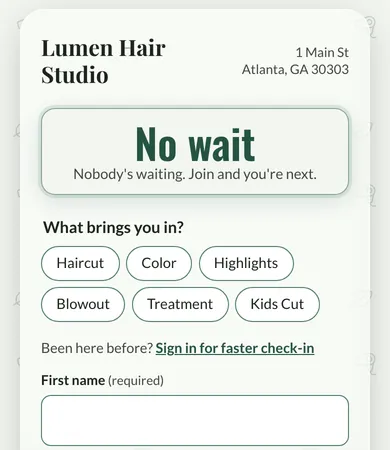
No. Customers join the line by scanning your QR code with their phone camera or opening your link. It opens in the phone's web browser. Customers who want more can get the free NextUp app for iPhone, iPad or Android: a notification the moment they are called, even with the app closed, and their businesses saved in My Places to join again in a tap.
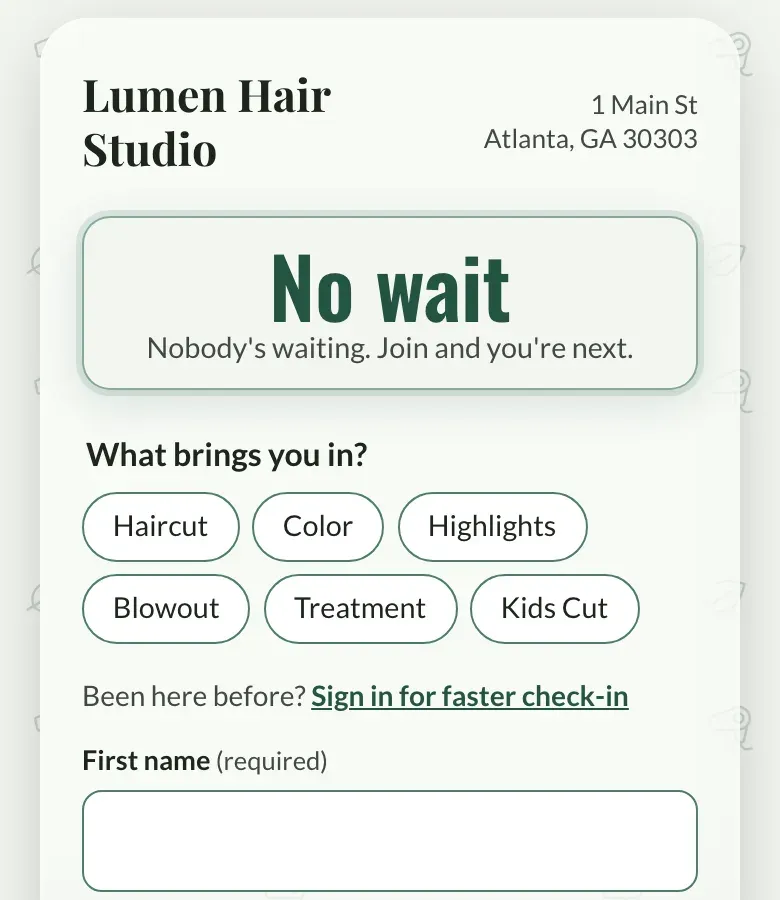
- There is no app to download and no account to create.
- They type their first and last name and, if they want texts, a mobile number (or a number the business requires).
- Customers who don't scan the code can use the Door Tablet at your entrance, or your team can add them to the line by name from the Staff Screen.
More detail
Their place in line lives in that browser tab. They can check it from anywhere. They can also allow a browser notification so a queue update arrives without keeping the tab open.
Was this helpful?
All help topics
Didn't find your answer?
Email support@nextupwalkin.com, or send us a message and we'll get back to you.