Growth
How to get more Google reviews from walk-in customers
Walk-in customers sit down, get served, pay and go, and nobody remembers to ask for a review. The fix is to ask the same way after every visit and show your Google link to everyone, not only the happy ones.
The short answer
To get more Google reviews from walk-ins, ask every customer, every time, right after the visit, on the phone they already have in their hand, and give everyone the same link to your Google profile.
Doing it the same way every time does more than any script, sign, or discount.
Most shops ask when they remember. That means on a slow Tuesday, by the one person who likes asking, to the regular who already left a review last year. The busy Saturday, when you serve the most new faces, is exactly when nobody asks.
A review flow fixes the timing, not the wording.
The rest of this guide is the setup in steps, what to say at the counter, and the things that get reviews removed. If you want the words for the ask, the free review request generator writes three honest versions.
Ratings in the NextUp app
Ask every customer, every time
The NextUp app
- A private 1 to 5 star rating after every finished visit.
- Everyone who rates sees your Google link, with no star gating.
- The Feedback page shows each note with the team member and services.
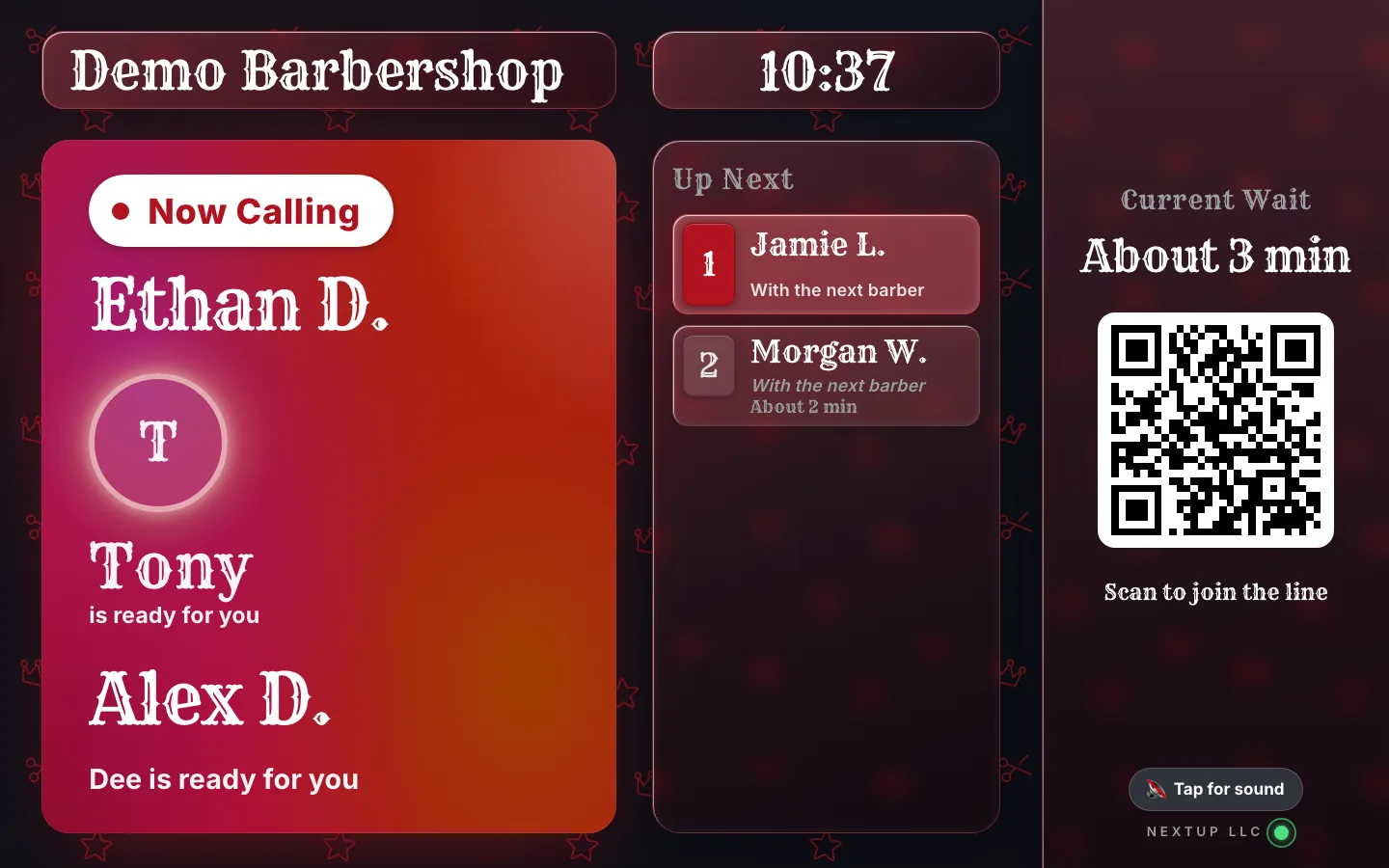
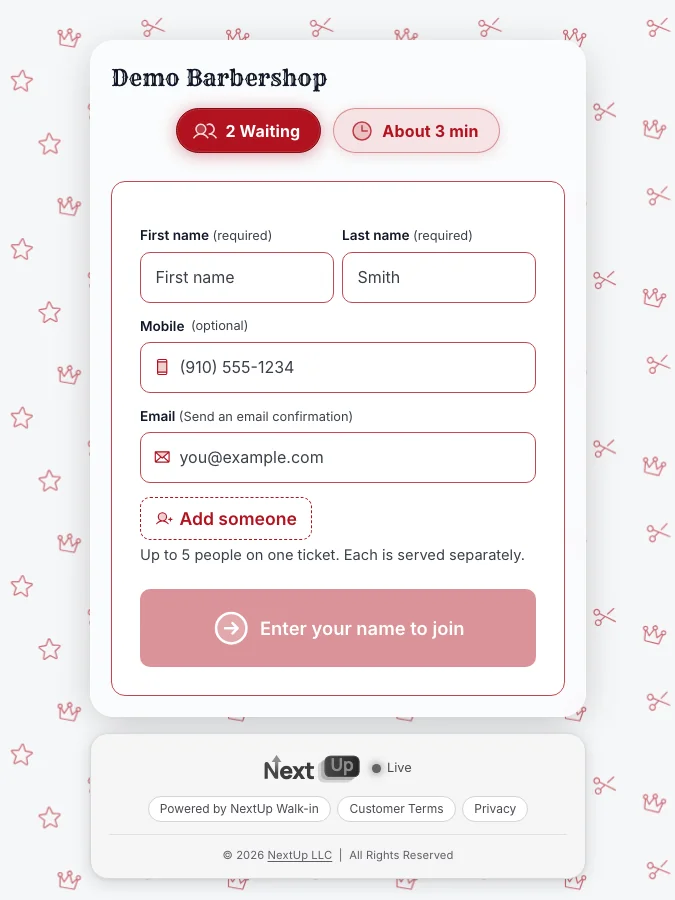
- Every screen included: the lobby TV, the door tablet and the phone check-in page are on every plan, Free included.
Free needs no card: pick it at sign-up. The 14-day trial has every Pro feature, once per business. A card is needed to start, but nothing is charged until the trial ends, when the plan is charged unless you cancel first.
Why walk-in shops get fewer reviews than they earn
A booked client gets a confirmation, a reminder, and often a follow-up. There is a record, a phone number, and a reason to send a message. A walk-in usually gets none of that. They show up, wait, get served, pay, and leave.
If the visit was great, the only trace is a tip.
There is also no natural moment to ask. The person who did the work is already calling the next name. The counter is busy. Asking feels awkward when three people are waiting and watching. So the ask gets skipped.
The reviews that do come in then lean toward the visits that went wrong, because an unhappy customer goes looking for a place to say so. A happy one just goes home.
The fix is to move the ask off the counter and onto the customer’s phone, after the visit, when they have a minute.
How the rating works in the NextUp app
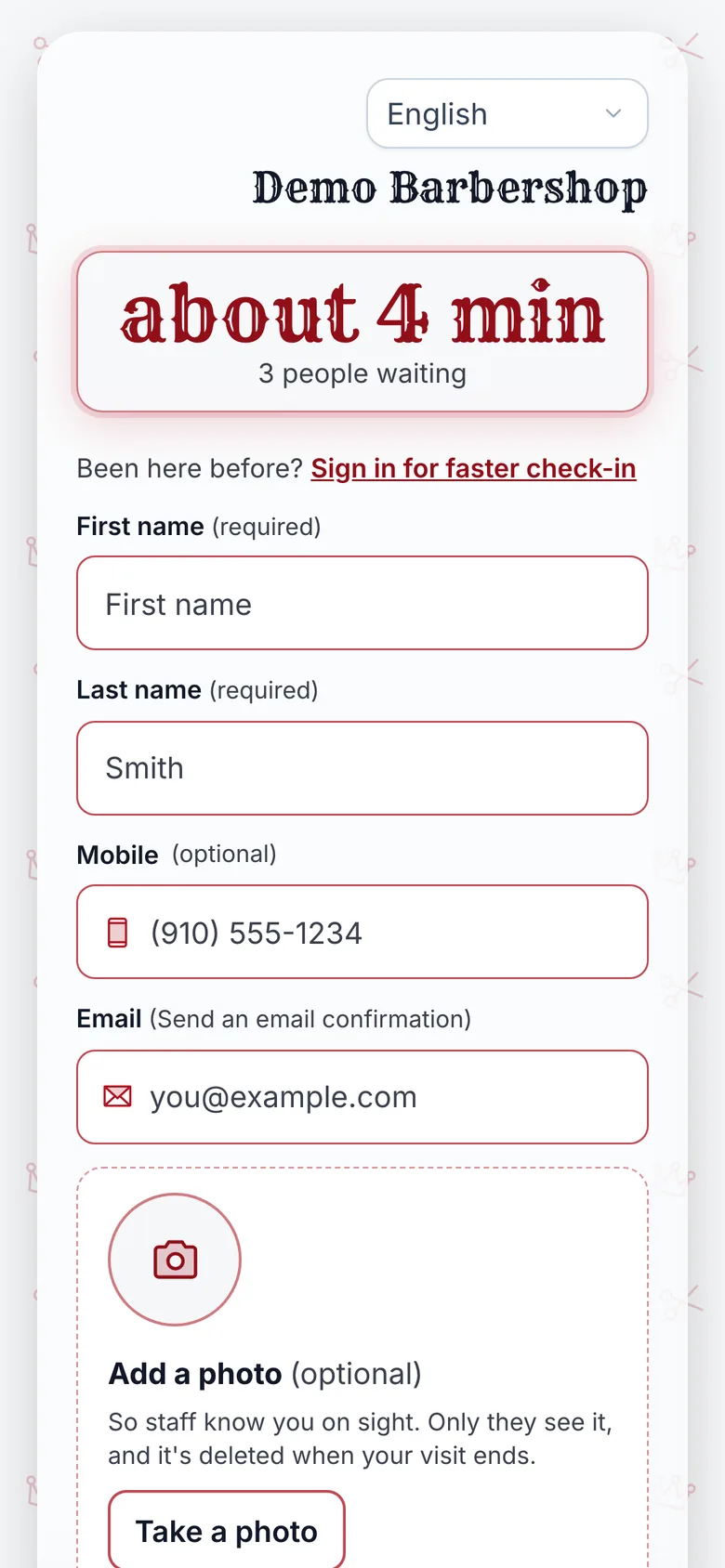
Customers who join from their phone keep a page open while they wait. It shows their place and the estimated wait. Once staff finish the visit on the Staff Screen, that same page asks how it went. They pick 1 to 5 stars.
The rating is private to you. The ask stays open for 24 hours, so someone who walked straight to the car can answer from the parking lot or that evening.
A customer who gives 4 or 5 stars sees a thank-you and a button to leave a Google review. A customer who gives 1 to 3 stars is asked what you could do better, in a private note only you see. They still see the link to your Google profile.
Everyone who rates gets the same link. There is no star gating.
The Feedback page in your dashboard shows the average, the breakdown by stars, and each note with the team member and the services from that visit. The NextUp app on your phone (Android now, iPhone coming soon) notifies you when a review comes in.
The NextUp app does not write the Google review for them, does not post anything for you, and does not promise a response rate. It puts the ask in front of every customer at the right time. What they do with it is up to them.
What the customer sees after each rating
| 4 or 5 | A thank-you and a button to leave a Google review | Yes | Not asked |
|---|---|---|---|
| 1 to 3 | A question about what you could do better | Yes | Asked; only you see it |
Set it up in six steps
- Get your Google review link. In your Google Business Profile, choose "Ask for reviews" and copy the short link Google gives you. It opens the review box for your business.
- Add it to the location in the NextUp app. In Location settings, under Review settings, turn ratings on and paste the link. Each location has its own link, so a second shop sends people to its own profile.
- Make sure your team finishes every visit on the Staff Screen. The rating appears when the visit is marked done. A visit that is never finished never asks.
- Put your join link on your Google profile too. Paste it into the website or appointment link field. People who find you on Search or Maps can check the wait and join before they leave home. It is a link, not a Reserve with Google integration.
- Say one sentence at the counter. Something like "You’ll get a quick rating on your phone. If you liked it, the Google button helps us a lot." No pressure, and no tablet held out in front of them.
- Read the Feedback page once a week. Look at the low ratings first. Then reply to the new Google reviews, good and bad, in your own words.
How many Google reviews could your visits produce?
These are your guesses, not a forecast. Enter your visits and the shares you expect, then adjust them as real numbers come in.
- Ratings a month
- 120
- Google reviews a month
- 30
- Google reviews in a year
- 360
Hover or tab to a column for the numbers.
| Google reviews added | |
|---|---|
| M1 | 30 |
| M2 | 60 |
| M3 | 90 |
| M4 | 120 |
| M5 | 150 |
| M6 | 180 |
| M7 | 210 |
| M8 | 240 |
| M9 | 270 |
| M10 | 300 |
| M11 | 330 |
| M12 | 360 |
Example arithmetic from the shares you entered; it is not a result any shop has reported.
Customers decide what to write, and some who tap through will not post. The only lever you control is asking every customer, every time.
What to say, and what not to do
Keep the ask short and the same for everyone. "If you have a second, the rating on your phone helps us" works for a regular and a first-timer. Have the whole team say the same line, so it is not only the one person who likes asking.
Do not offer a discount, a free add-on, or a raffle entry in exchange for a Google review. Google’s policies do not allow incentivized reviews, and reviews that break them can be removed.
If you want to thank regulars, a loyalty stamp card rewards visits, not reviews.
Do not ask only the happy ones. Asking only the people you expect to leave five stars is review gating, and Google’s policies do not allow it. It also hides the problems you most need to hear about.
That is why the NextUp app shows the link to everyone who rates.
Do not write reviews for customers, ask staff to review the shop, or ask family to fill the gap. A run of similar reviews in one week looks wrong to customers before it looks wrong to Google.
Use the private ratings to fix things
The private notes are the most useful part. A customer who gives 2 stars and writes "waited 50 minutes, quote said 20" is telling you something you can fix.
Because each note carries the team member and the services, you can see whether a problem is one person, one service, or one time of day.
A long wait is a common complaint in a walk-in shop, and it is often a quote problem more than a speed problem. People forgive a 40-minute wait they were told about.
They do not forgive a 15-minute quote that turned into 40. Insights shows quoted against actual wait, so you can see whether your estimates run short. Why people leave before they are served covers the same problem from the other side.
Reply to the bad Google reviews calmly and briefly. Say what you changed, if anything. A future customer reads your reply as closely as the review.
On Pro, Review themes reads 90 days of feedback and lists the top praise and complaint themes, with a suggested reply for each comment.
Share the good notes with the team too. A private 5-star rating that names the person who did the work is worth reading out at the start of a shift. It is the cheapest way to keep the whole team asking.
Five reasons the ask goes unanswered
Visits are not finished on the Staff Screen. The rating appears when the visit is marked done, so a visit that is never finished never asks.
The Google link is missing or points to the wrong shop. Each location has its own link. Open it once yourself and check the review box is for the right business.
Nobody says the one sentence. The phone does the asking, but a single line at the counter tells the customer to look for it.
Visits are finished late. The ask stays open for 24 hours, so finish each visit the same day and a customer can still answer from the parking lot or that evening.
Nobody reads the Feedback page. Once a week, look at the low ratings first, then reply to the new Google reviews in your own words.
Where this works
Any shop where people come in without a booking. The visit ends, the phone asks, and everyone sees the same Google link.
See reviews and feedback, review themes, barbershops, phone repair.
Ratings, the Feedback page and the Google link are on every plan, Free included. Paid plans start at $29 a month for the first location. See pricing. There is also a Free plan: 1 location, 1 team member and 50 check-ins a month, and no card needed.
See it on your own line
Free needs no card: pick it at sign-up. The 14-day trial has every Pro feature, once per business. A card is needed to start, but nothing is charged until the trial ends, when the plan is charged unless you cancel first.
Start collecting reviews this week
Ask every customer at the right moment.
Turn on ratings and paste your Google link. It’s on every plan, Free included.
Free needs no card: pick it at sign-up. The 14-day trial has every Pro feature, once per business. A card is needed to start, but nothing is charged until the trial ends, when the plan is charged unless you cancel first.
Questions
Does the NextUp app only send happy customers to Google?
No. Everyone who leaves a rating sees the link to your Google profile, whatever stars they gave. Customers who give 1 to 3 stars can also leave a private note for you.
How long does a customer have to leave a rating?
24 hours after the visit, on the same phone page they used while they waited.
Can I offer a discount for a Google review?
You should not. Google’s policies do not allow reviews in exchange for discounts or gifts, and those reviews can be removed. Reward visits with a loyalty card instead.
Where do I see the ratings?
On the Feedback page in the dashboard: the average, the breakdown by stars, and each note with the team member and the services.

Founder of NextUp Walk-in and a software engineer with 20 years of building systems that have to work under pressure.
Ready to try it?
NextUp Walk-in is a walk-in queue for barbershops, salons, restaurants, and service shops. Customers join from the phone they already have. No app required. The trial is 14 days, with every Pro feature.