Growth
Holiday hours on Google Maps for walk-in shops
Thanksgiving is Thursday, November 26, 2026, and the next six weeks are when walk-in customers check Maps before they drive. Wrong hours send them to a locked door. This guide from NextUp Walk-in covers Google Business Profile special hours for the 2026 holidays, where a join-the-line link belongs, and how to keep the door, the site and Maps saying the same thing.
Why special hours matter for walk-ins
A walk-in customer trusts Maps more than your door sign. They check the hours from the sidewalk or the car, then drive over. If Maps still shows Tuesday hours on Thanksgiving, they hit a locked door and leave a review about it.
Special hours fix that without rewriting your regular week. Google’s own help page on how to set Special hours (checked Nov 7, 2026) is for holidays, events and other short changes of up to six days in a row.
Pair this with the floor plan in the holiday rush plan for walk-in shops. Hours on Maps bring people in; the line, the TV and the door tablet keep the lobby calm once they arrive.
2026 holiday dates to set as Special hours
| Dec 24 | Thursday | Christmas Eve | Early close and last-call time |
|---|---|---|---|
| Dec 25 | Friday | Christmas Day | Closed, unless you truly open |
| Dec 31 | Thursday | New Year’s Eve | Hours, and when the last guest can join |
| Jan 1 | Friday | New Year’s Day | Closed or late open, posted the same day |
| Nov 26 | Thursday | Thanksgiving | Closed, or your real open window |
| Nov 27 | Friday | Black Friday | Extra hours, or the last join time |
| Nov 28 | Saturday | Small Business Saturday | Busy-day hours guests will actually get |
U.S. calendar for 2026. Google Special hours steps are as described in Google’s help page, checked Nov 7, 2026.
The 2026 dates to set now
Thanksgiving is Thursday, November 26. Christmas Day is Friday, December 25. New Year’s Eve is Thursday, December 31. Christmas Eve and New Year’s Day sit next to them, so guests ask about those hours too.
Decide every date now, even the ones that match your usual hours. Google’s help page says it is a good idea to confirm hours for official holidays so customers see that the special hours are accurate (as of Nov 7, 2026).
Post the same hours on the door and your website the same day you save them in Google Business Profile. Three places, one truth.
Hover or tab to a column for the numbers.
| Shops that already posted hours | |
|---|---|
| 21+ | 20 |
| 14 | 45 |
| 7 | 70 |
| 3 | 85 |
| Day of | 95 |
Example only, not measured shop data. Use it as a reminder to set Special hours early, then check your own last-year busy days.
How to set Special hours
Keep regular hours alone. Add Special hours for each holiday date. The steps below follow Google’s help page as of Nov 7, 2026; Google’s menus can change, so use the help link if your screen looks different.
- Open your Business Profile and choose Edit profile, then Hours.
- Next to Special hours, choose Edit.
- Pick each holiday date (Review a suggested date, or Add a date).
- Mark Closed, or uncheck Closed and enter the open and close times guests will get.
- Save, then search for your shop on a phone and confirm what Maps shows.
For special hours to show, Google says your profile must use “Open with main hours,” not a long temporary closure (Google Business Profile Help, Nov 7, 2026).
The full setup for categories, photos and reviews is in Google Business Profile for a walk-in shop.
Special hours vs temporarily closed
Special hours cover short changes. Google’s help page limits them to temporary adjustments or closures of up to six consecutive days (checked Nov 7, 2026).
If you will be closed for seven or more days in a row, or you do not know when you reopen, Google says to mark the business as Temporarily closed instead. That is the right tool for a long winter break, not a stack of Special hours that stretch past a week.
For a single early close on Christmas Eve, Special hours are enough. For a two-week shutdown after New Year’s, use Temporarily closed and turn it off when you reopen.
Where the join link goes on your Google profile
| Special hours | One-off holiday dates | Set them without changing regular hours |
|---|---|---|
| Booking link | Join or book action, when Google offers it | Paste your NextUp Walk-in join URL if the field appears |
| Website | Your public page when Booking is not offered | Same join URL works here; tap it once a month |
| Posts | Short-lived holiday news | Name the dates and include the join link |
Google’s Booking and website fields vary by category and region. Book on Google through the NextUp app is not switched on.
Put a join-the-line link next to the hours
Hours tell people when you are open. A join link lets them wait without crowding the door. On a holiday week that is the difference between a full lobby and guests waiting in the car.
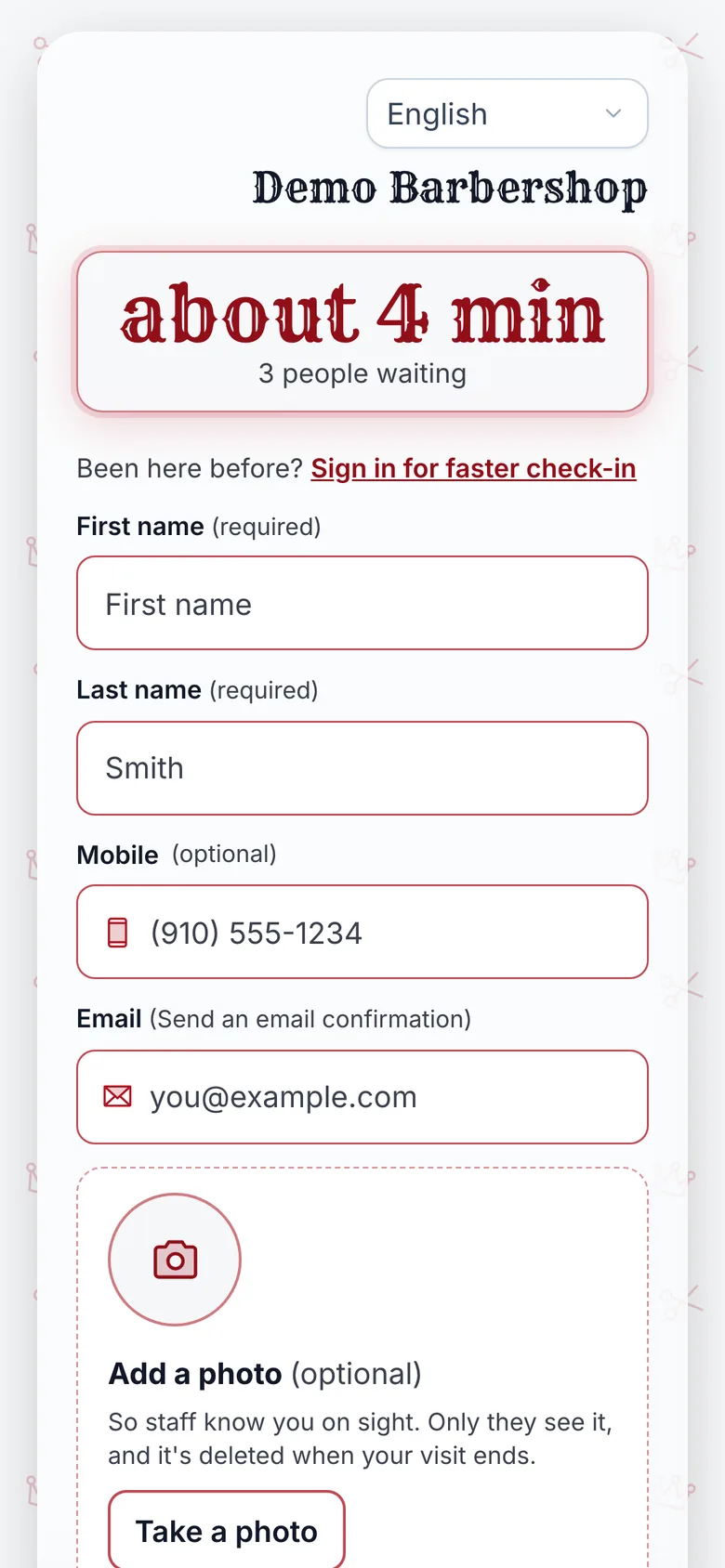
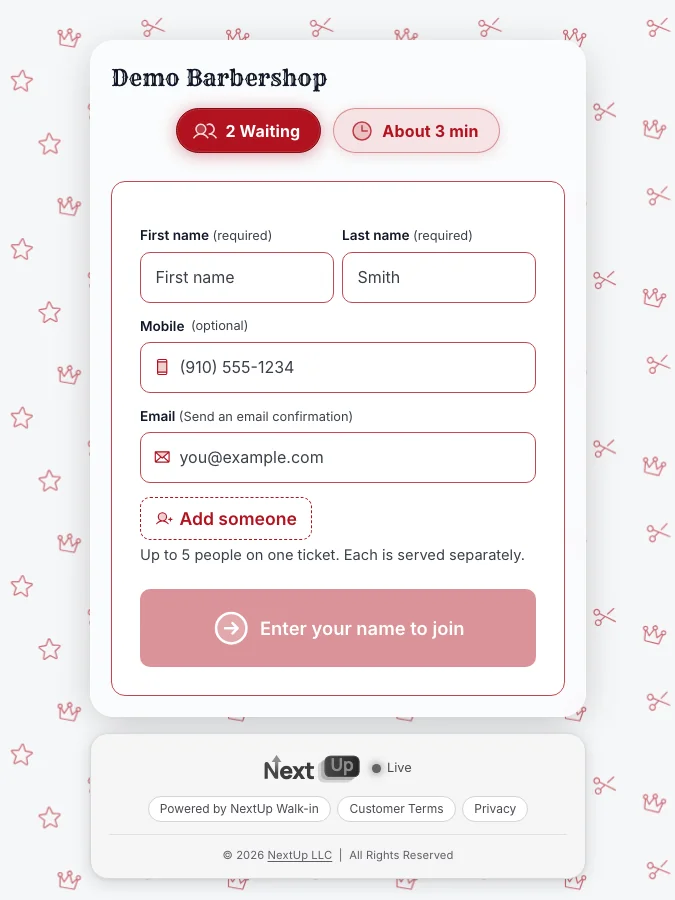
Copy your public join URL from Get Found Online in the NextUp app dashboard. It follows the same pattern as the live demo at app.nextupwalkin.com/s/demo: your own path under /s/ for that location.
- If Google shows a Booking link for your category and region, paste the join URL there (see Google’s help on local business links, checked Nov 7, 2026).
- If Booking is not offered, use the website field with the same URL.
- Do not promise Book on Google. Book on Google through the NextUp app is not switched on; the link opens your join page outside Google.
- Tap the link from Maps once a month and on the day you set holiday hours, so you know it still opens the live wait.
Google’s business links policies say the link must lead to a page for that location where the customer can finish the action. Your join page is that page: they see the wait and add a name.
Match the door, the site and Maps
One wrong listing undoes three correct ones. If Maps says closed at 4 and the door sign says 6, guests trust Maps and leave early, or they argue at the counter.
Count every place that lists your shop: Google, Apple Maps, your site, Instagram and any directory. Fix name, address, phone and holiday hours so they match. The explorer below turns that into a short checklist.
A Google Post that names the holiday dates and includes the join link helps people who already follow the listing. Keep it specific: “Closed Thanksgiving, open Friday 9-6, join from the link.”
How many listings need fixing?
Count the places that show your shop: Google, Apple Maps, Yelp, your site and any directory. Then count how many match your name, address, phone and hours exactly.
- Listings that match
- 50%
- 3 of 6
- Listings to fix
- 3
- Time to fix them
- 45 min
- Match
- Need fixing
Hover or tab to a slice.
| Listings | |
|---|---|
| Match | 3 |
| Need fixing | 3 |
Example arithmetic on the counts you entered.
Fixing the details does not guarantee an assistant names you. It removes conflicting facts it could otherwise read.
After they join: the lobby still needs a plan
Accurate hours get the visit started. The line keeps it calm. Guests who join from Maps still need a live wait, a TV that shows who is up, and a door tablet for anyone without a phone.
The rush-day routine, wait math and gift-card timing live in the holiday rush plan. Reviews after a good holiday visit are covered in how to get more Google reviews from walk-ins.
If the line fills early on a rush day, close new walk-ins in the dashboard rather than letting Maps send more people to a door you cannot serve. Use Special hours when you plan that early close ahead of time.
How NextUp Walk-in fits
Free shows “Powered by NextUp Walk-in” on the check-in page. The Walk-in plan is $29 a month for your first location and includes 3 team members per location. Pro is $59. Every paid plan starts with a 14-day free trial, once per business. A card is needed to start, but nothing is charged until the trial ends, when the plan is charged unless you cancel first.
See Get Found Online, TV display, door tablet, barbershops, hair salons, nail salons, pricing.
Set the hours before Thanksgiving week
Questions
When should I set holiday hours on Google Business Profile?
Now. Add Special hours for Thanksgiving (Nov 26, 2026), Black Friday, Small Business Saturday, Christmas Eve, Christmas Day, New Year’s Eve and New Year’s Day, even when a date matches your usual hours. Confirm what Maps shows on a phone the same day.
Should I change my regular hours for the holidays?
No. Use Special hours for short holiday changes so your regular week stays intact. Google’s help page (checked Nov 7, 2026) covers Special hours for holidays and other brief changes of up to six days in a row. For seven or more days closed, use Temporarily closed.
Where do I put my NextUp Walk-in join link on Google?
If your category and region show a Booking link, paste the join URL there. Otherwise use the website field. Book on Google through the NextUp app is not switched on, so the link opens your join page outside Google.
Does my Google profile show the live wait from the NextUp app?
No. The profile shows your hours and can link to your join page. The join page shows the live wait and lets guests add their name.
Can I do this on the Free plan?
Yes for the line and screens. The join page, lobby TV, door tablet and Staff Screen are on every plan, Free included. Free covers 1 location, 1 team member and 50 check-ins a month. A busy holiday week with several chairs usually needs a paid plan; every paid plan starts with a 14-day free trial.