Getting Started
How to switch your walk-in system without losing a busy Saturday
Saturday, 10:40: the clipboard is gone, the lobby is full, and nobody has called a name on the new app yet. The setup takes an afternoon; the risk is all in timing, and this plan keeps your busiest day out of the experiment.
The short version
Switch on a quiet weekday morning, never a Saturday. Build the new line a week ahead, run one line from opening, and keep a paper sheet as backup.
Coming from another app, the code SWITCH gives your first month free on monthly billing.
Our pick for a calm switch
Pick the switch day from your own calendar
Find your quietest weekday morning from the last month. That is your switch day: not a Friday, not a Saturday, and not the week of a holiday rush.
A quiet morning gives the team a few real guests to learn on. By the busy day, everyone has called people on the new line, so nobody learns in front of a full lobby.
The plan, week by week
- A week before. Add services with honest times, your team, hours and how walk-ins join. Import your client list now.
- Rehearse. Each team member joins from their own phone, calls someone and finishes a visit.
- Switch day. From opening, every new guest joins the new line. Finish the old list, then put it away.
- First week. Keep one paper sheet at the counter for a dead phone or a dropped connection.
- First busy day. One person watches the door and the line, so the others keep serving.
Our guide to moving your client list covers the import, and a printable sign-in sheet makes a tidy backup.
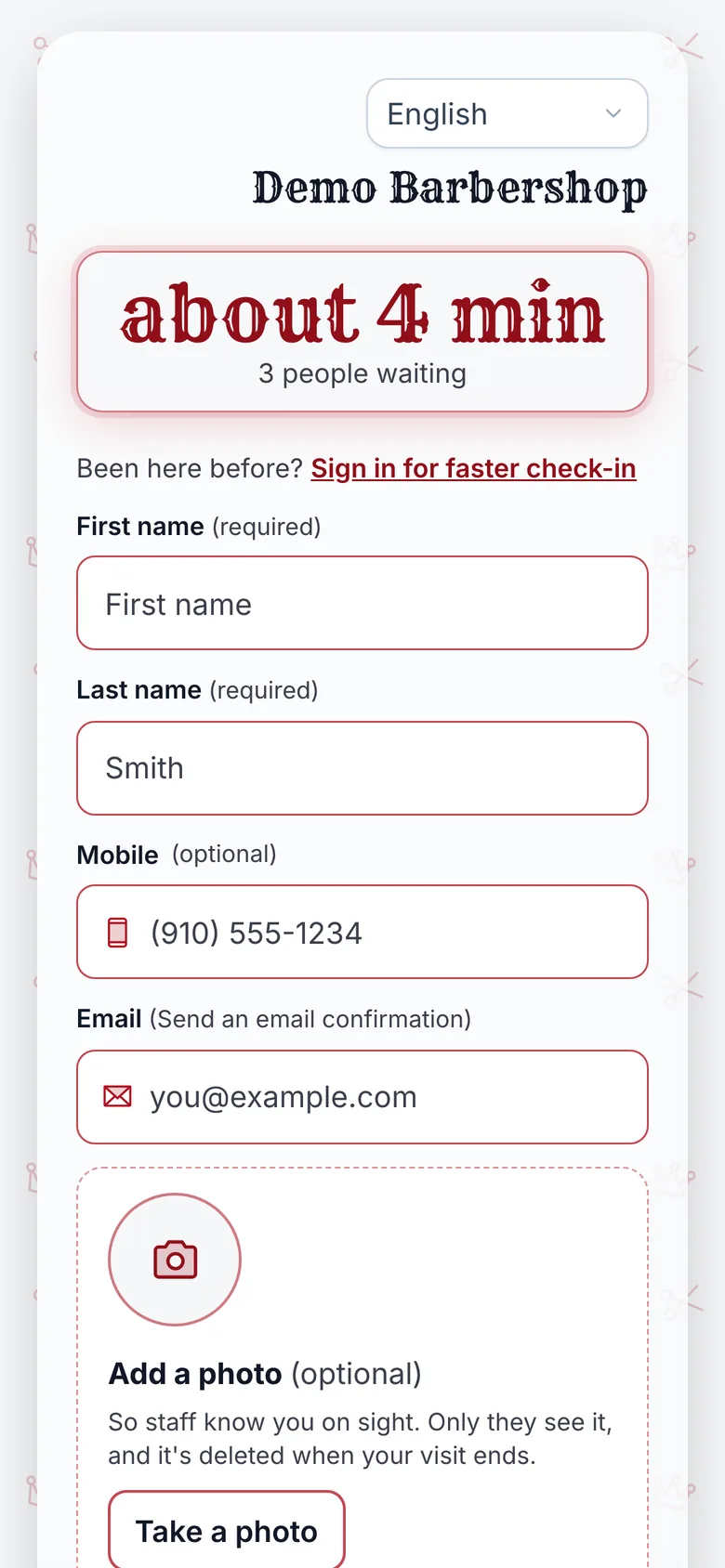
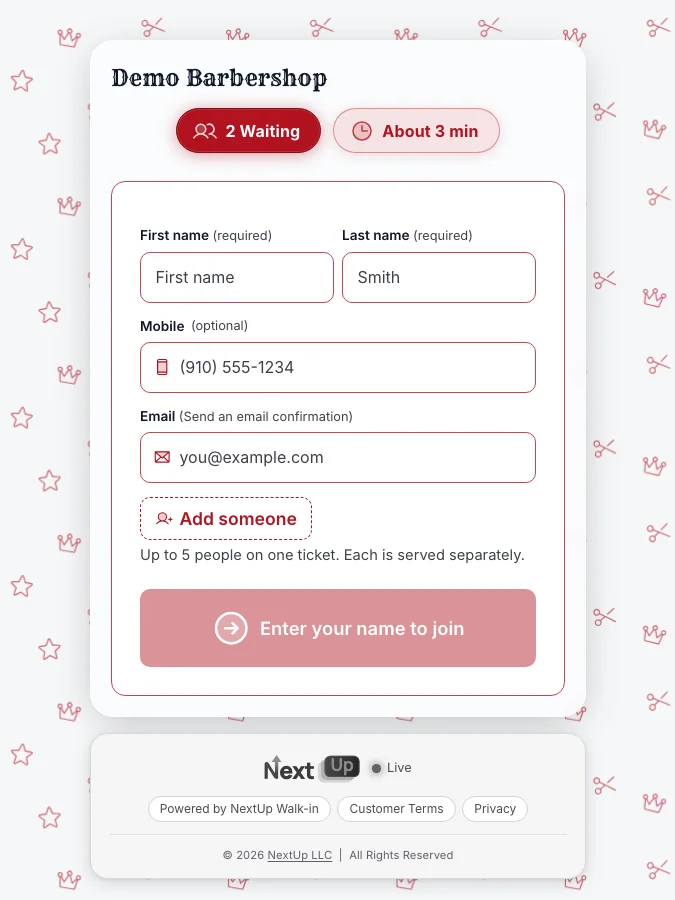
Switch day: one line, not two
Two lists at once is where switches go wrong, because nobody knows which one decides who is next.
Pick a moment, usually opening. From then on, every new guest joins the new line, and anyone already on the old list is served from it until it is empty.
Tell regulars at the counter and the door
Regulars learn the new way from a person, not an announcement. Give the team one line: scan the code, then wait wherever you like.
Put the same message on the door with the code, big enough to scan from a few steps back. The free QR window sign maker prints one in a minute.
Update every place your old link lived on the same day: your Instagram bio, your website and your Google Business Profile.
Check the quote before the first busy day
Run your numbers through the free wait time calculator. Put in your people serving, service times and a normal busy hour.
At close, write down how many joined, how many left before being served, and how real waits compared with quotes. That is what you fix before the next one.
Switching to the NextUp app
The NextUp app runs the line, the lobby TV and the door tablet in one place. The team calls the next person from the Staff Screen and the TV shows who is up.
Enter the code SWITCH on the checkout page where you add your card. Step-by-step guides for leaving a specific app are on the switching page.
Coming from paper, there is nothing to move. The Free plan covers 1 location, 1 team member and 50 check-ins a month, with no card. See the lobby TV, the door tablet, barbershops.
Ready to switch?
Questions
What is the best day to switch walk-in systems?
The NextUp app’s advice: your quietest weekday morning, at least a week before a holiday rush. It gives the team real guests to learn on before the busy days.
Should I run the old and new walk-in lists at the same time?
Not for new guests. With the NextUp app, pick a moment, usually opening time, after which everyone joins the new line, and finish serving whoever is already on the old list.
Is there a discount for switching from another app?
Yes. In the NextUp app, the code SWITCH gives your first month free on monthly billing. Enter it on the checkout page where you add your card.