Getting Started
First day on a digital walk-in line: a guide for the team
The doors open, the first guest looks at the new code on the counter and asks, “So what do I do?” Whoever answers sets the tone for the day. This is the first day on one page you can hand to the team.
The short version
Ten minutes before opening, decide who greets, who calls and who watches the line. Give the greeter one sentence, add guests who won’t scan yourself, and write down three numbers at close.
Not set up yet? Start free with no card, or take the 14-day trial, and run your first day this week.
The NextUp app on day one
Before the doors open: a ten-minute huddle
Get everyone together for ten minutes before opening. Decide three things out loud: who greets people at the door, who calls the next guest when a chair opens, and who checks the line when the lobby gets busy.
In a small shop that might all be one person; the point is that nobody has to guess.
Open the Staff Screen on the device each person will use, and make sure everyone working today is marked on duty, so the wait is shared across the right people.
What to say at the door
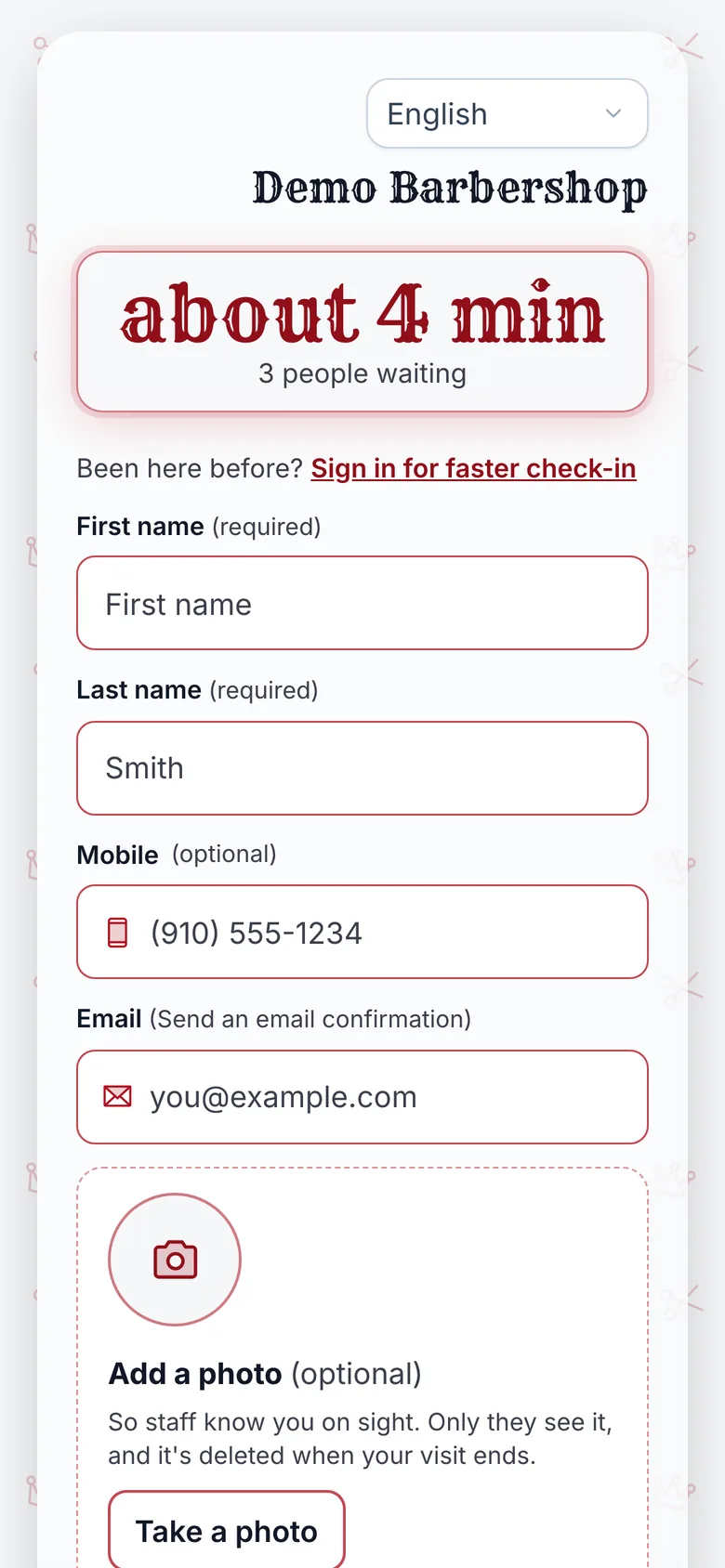
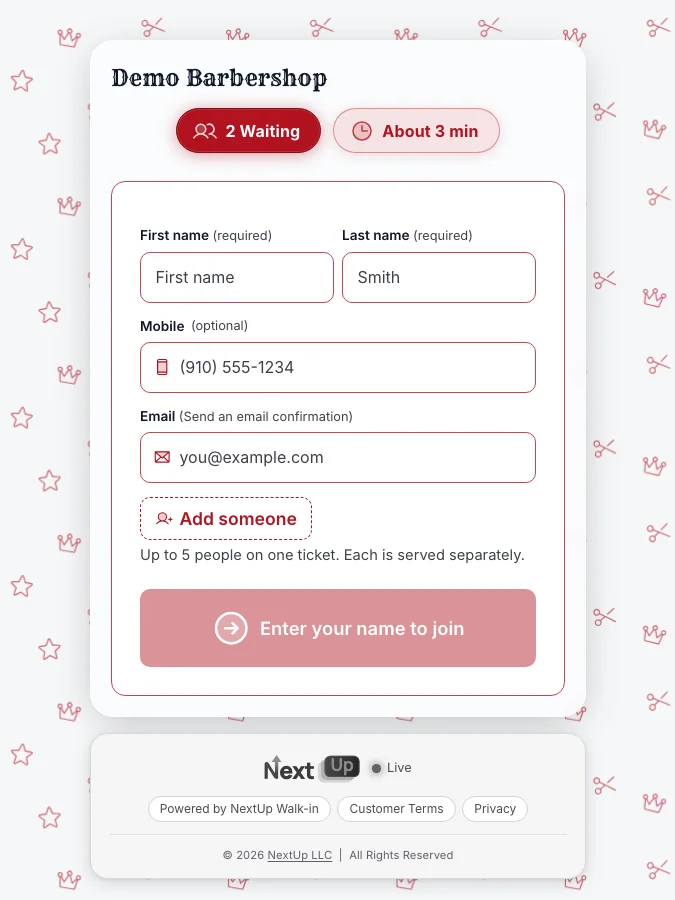
Give the greeter one sentence and let them use it every time: scan this to get in line, then you can wait wherever you like and watch your place on your phone. Short and the same for everyone is what makes it stick.
Put the code where people stop: on the door at eye level and at the counter for anyone who walks straight in. The free printable sign-in sheet can carry your check-in code too, so the counter has the code and a paper backup in one place.
Guests without a phone, or who would rather not scan
Some guests will not scan, and that is fine. Add them yourself from the Staff Screen with a first name, or let them type it on a door tablet if you have one. They hold the same place in line as everyone else and appear on the TV the same way.
Keep a paper sheet at the counter the first week for the rare moment a device or the internet is down, and add those names to the line once it is back.
Calling the next person
When a chair opens, press Call next on the Staff Screen. The guest sees it on their phone, and the TV in the lobby shows who’s up, so nobody has to shout a name across the room.
If a guest does not come up, call the next person; how long you hold a spot is your house rule, the same as on paper.
Watch the first few calls together. Most first-day questions come from the first hour, and they are easier to answer while the lobby is still quiet.
When the quoted wait looks wrong
The wait a guest sees comes from your service times and the people on duty. If quotes run long or short all morning, the service times are usually the cause. Adjust them after the rush, not during it.
The free wait time calculator is a quick way to sanity-check a normal busy hour before you change anything.
At close: three numbers
Write down three numbers: how many guests joined, how many left before they were served and how the real waits compared with what people were quoted. Talk about them for five minutes the next morning.
That conversation is how the second day goes better than the first.
Going digital with the NextUp app
The NextUp app gives you a check-in page, a Staff Screen and a lobby TV, with no app for guests to download.
The line, the TV and the door tablet come with every plan, Free included. The Free plan covers 1 location, 1 team member and 50 check-ins a month, with no card.
Already on another app? The code SWITCH gives your first month free on monthly billing. Enter it at checkout where you add your card.
See switching guides, the Staff Screen, barbershops, pricing. A card is needed to start, but nothing is charged until the trial ends, when the plan is charged unless you cancel first.
Ready for day one?
Questions
How do I train staff on a new walk-in check-in system?
Hold a ten-minute huddle before opening: decide who greets, who calls the next guest and who watches the line, give the greeter one sentence to say at the door, and watch the first few calls together.
What if a customer does not have a smartphone?
Add them from the Staff Screen with a first name, or let them type it on a door tablet. They hold the same place in line as everyone else.
Can I start phone check-in for free?
With the NextUp app, yes: the Free plan covers 1 location, 1 team member and 50 check-ins a month, with the lobby TV and door tablet and no card.