Buying Guide
What “$0” barbershop software really costs, and who pays for it
Software sold as “$0” is usually paid for somewhere else: by your clients at the card reader, through a processing agreement, or in add-ons. Here is how each one works, what the card rules say, and how to run the numbers for your own shop.
The short answer
“$0” usually means the shop pays nothing for the software, not that nobody pays. The cost moves to your clients, your processing contract or the extras you add later.
| Where the cost goes | Who pays | What to look for |
|---|---|---|
| Dual pricing or a card surcharge | Your clients, each time they pay by card | A card price above your menu price, or a fee line on the receipt |
| A processing agreement | The shop, through the processor | A separate contract from the software terms |
| Loaned hardware | The shop, if it is not returned on time | A return deadline after cancelling |
| Paid add-ons | The shop | “Additional features may require a fee” |
How dual pricing and surcharges work
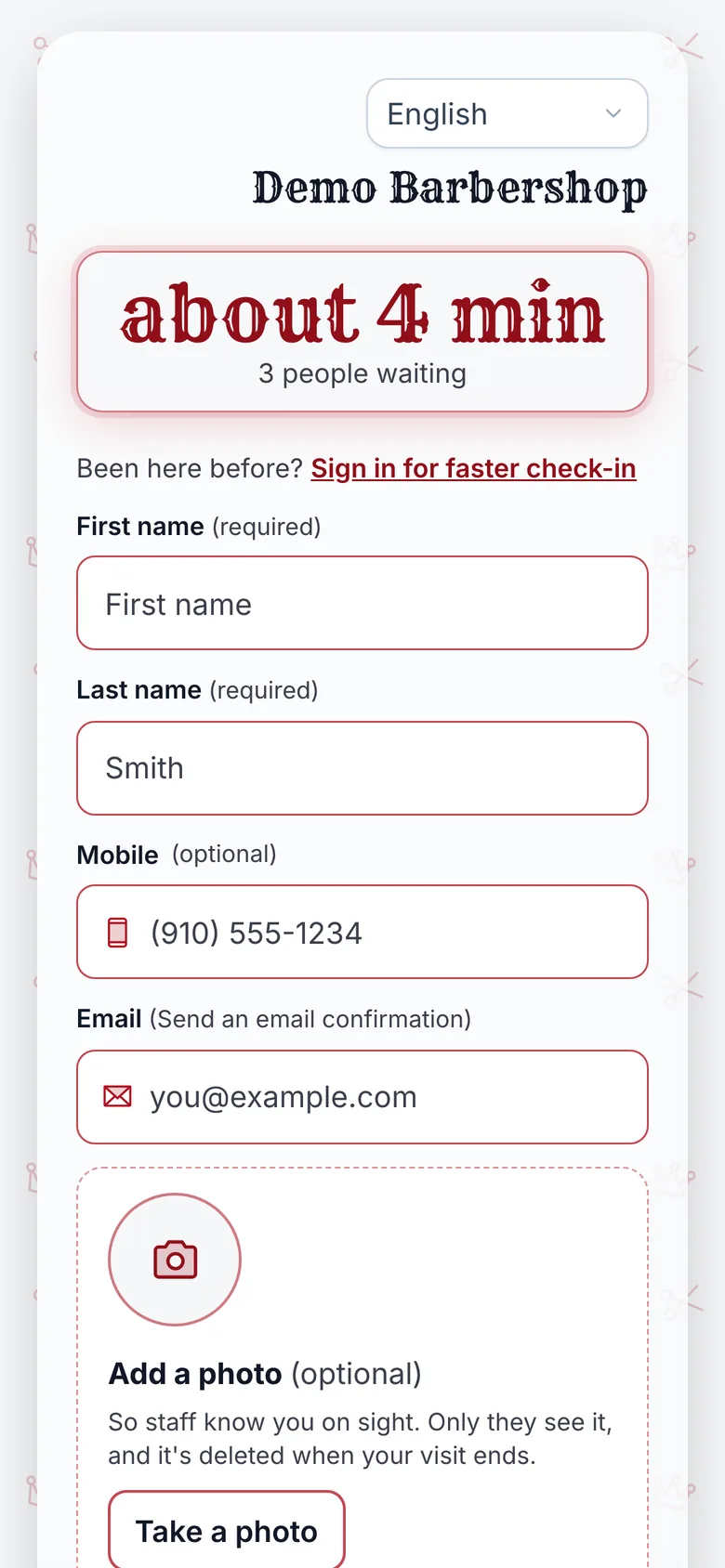
Both pass the card processing cost to the client. With dual pricing, every service has a cash price and a higher card price. With a surcharge, a fee is added to the bill when the client pays by credit card.
- The client books or walks in for a cut at your menu price.
- They pay by card, as most clients do.
- The card price or surcharge is added, a percentage of the bill.
- The processor keeps that amount to cover processing, so the shop pays nothing to take the card.
The shop’s bill drops. Your regulars’ bills go up, every visit, and they see it on the receipt.
What the card rules say
Card networks and some states limit surcharges. As of Oct 30, 2026, Visa’s US merchant surcharge Q&A sets out these rules for Visa cards:
| Rule | What Visa’s Q&A says |
|---|---|
| Which cards | Credit cards only; debit and prepaid cards cannot be surcharged |
| How much | No more than the merchant discount rate for that card, or 3%, whichever is lower |
| Notice | Tell your acquirer at least 30 days before you start |
| Disclosure | At the point of entry, at the point of sale, and on every receipt |
| Dual pricing | Show only the card price, or the card and cash prices side by side for each item |
The same Q&A says some states prohibit or restrict surcharging, and that Visa’s list may be wrong. Check your own state’s rules, and ask a lawyer, before you or a provider adds one.
Do the math
Enter your average ticket before tips, your card payments a month and the surcharge rate on the quote you were given. The rate is not published by every provider, so the box starts blank.
The left column is what your clients pay each month. The other two are what the shop pays with the NextUp app, with Stripe’s processing fee shown on its own line, not hidden.
Do the math for your shop
“$0” software with a surcharge
Enter a rate
Paid by your clients each month, on top of your menu prices.
NextUp Free
$0.00
- Plan$0.00
- NextUp card fee$0.00
- Stripe’s processing fee$0.00
NextUp Walk-in
$29.00
- Plan$29.00
- NextUp card fee$0.00
- Stripe’s processing fee$0.00
With NextUp, the shop pays these and clients pay your menu price. The NextUp card fee is 0.5% of each card payment, at most $1, never on tips, on top of Stripe’s processing fee. Stripe’s fee uses its standard US rate (October 2026) on the ticket; Stripe also charges it on card tips. A surcharge model may carry other costs, such as add-ons, that this does not include. Free counts every check-in toward its 50 a month, not only card payments.
Hardware that has to go back
“Free hardware” is often a loan. The terminal belongs to the provider, and the terms may say it must be returned within a set number of business days after you cancel.
Some terms let billing continue until it arrives. Before you sign, ask who owns the reader, how long you have to return it, and what you are charged if it is late.
Add-ons and a second contract
A “$0” headline usually covers a core set of features. Extras such as gift cards or other features can carry their own monthly fees, listed in the terms rather than on the ad.
Card processing may sit under a separate agreement with its own terms and cancellation rules. Read both documents, not only the software one.
Questions to ask before you sign
- What surcharge or card price will my clients pay? Get the percentage in writing.
- Is processing a separate contract? Ask for both documents and their cancellation terms.
- Who owns the hardware, and what happens if I cancel?
- Which features cost extra, and how much?
- Is surcharging allowed in my state, and who makes sure it follows the card rules?
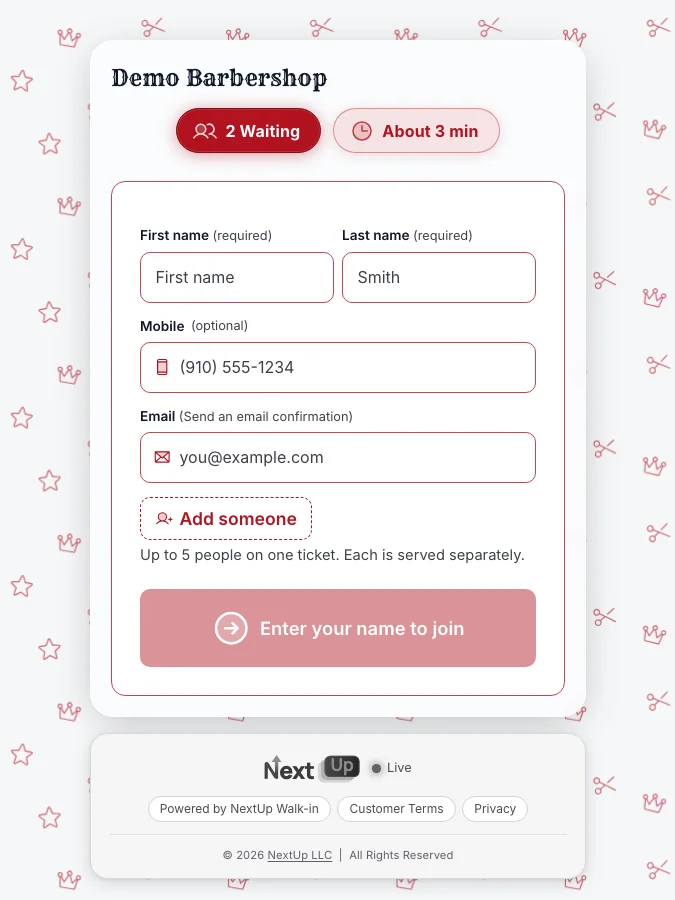
- Is there a walk-in line and a lobby TV? If walk-ins are your day, check it is not an afterthought.
For how software is priced more generally, see what queue management software costs.
What the NextUp app costs
The NextUp app has a Free plan with no card: 1 location, 1 team member and 50 check-ins a month. The Walk-in plan is $29 a month for the first location, and the shop pays the card fees, so clients pay your menu price.
NextUp Walk-in's card fee is 0.5% of card payments, never on tips, at most $1 a payment, on top of Stripe's processing fee. Stripe’s rates are on stripe.com/pricing; a Stripe card reader is yours to keep, and a pay link or QR needs no hardware.
See pricing, card readers, the TV display, barbershops.
Questions
What is dual pricing at a barbershop?
Each service has a cash price and a higher card price, so clients who pay by card cover the processing cost. Visa’s rules say the card price must be shown, alone or beside the cash price, for each item.
Can a barbershop add a credit card surcharge?
In many US states, within card network rules. Visa’s US merchant Q&A limits surcharges to credit cards, at no more than the merchant discount rate or 3%, whichever is lower, with notice and disclosure. Some states prohibit or restrict it, so check your state’s rules.
Is “$0” barbershop software really free?
The shop may pay nothing for the software, but the cost often moves to clients through a card surcharge, to a processing agreement, or to paid add-ons. Ask for each in writing.
What should I check about free hardware?
Who owns it, how long you have to return it after cancelling, and whether billing continues until it is returned.
What does the NextUp app cost?
There is a Free plan with no card for 1 location, 1 team member and 50 check-ins a month, and the Walk-in plan is $29 a month for the first location. NextUp Walk-in's card fee is 0.5% of card payments, never on tips, at most $1 a payment, on top of Stripe's processing fee. Clients pay your menu price.